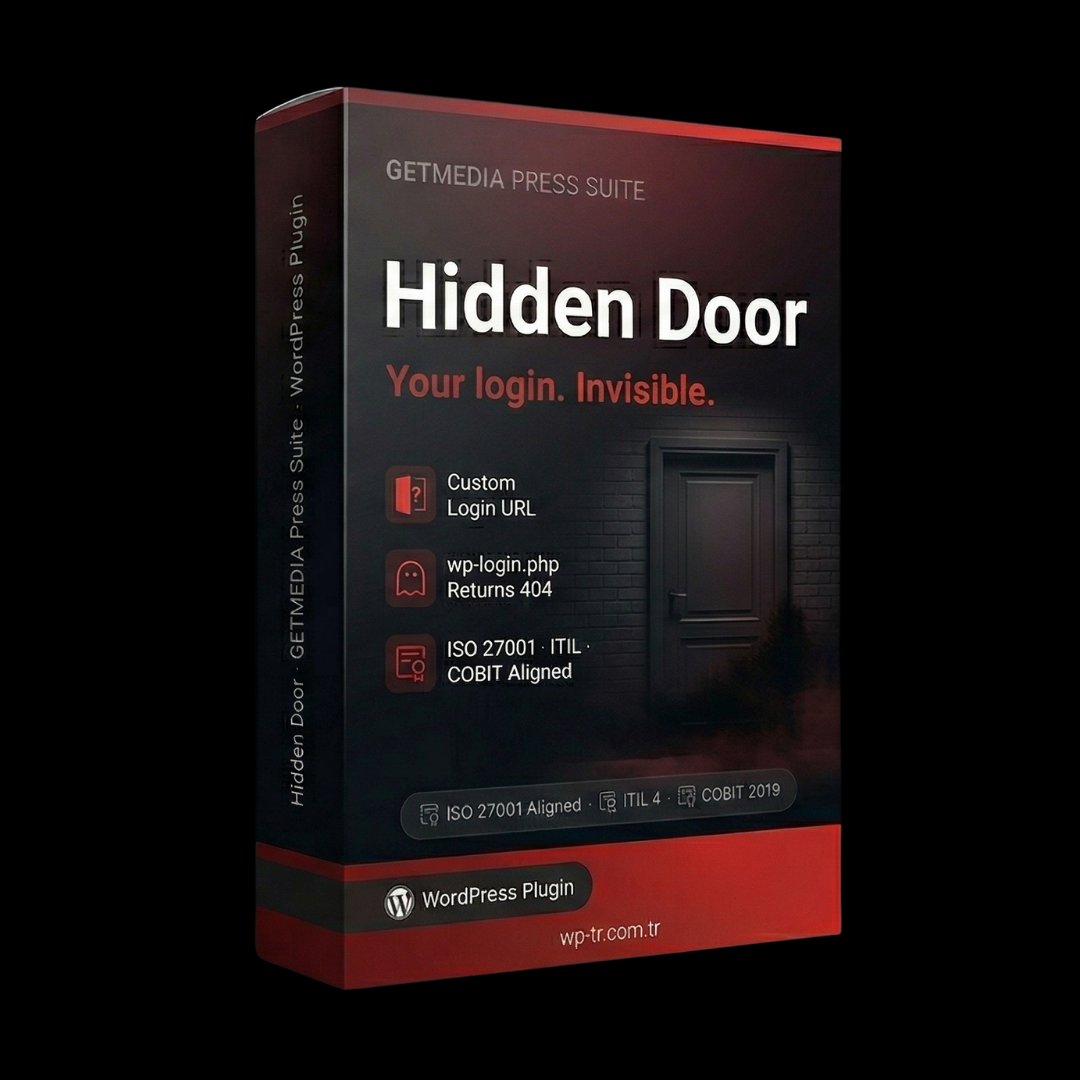
What does it solve?
WordPress's default /wp-login.php is public to the world. Bots and brute force tools attack it systematically — wasting server resources and occasionally compromising weak accounts.
How Hidden Door works
Hidden Door moves your login to a private URL only you know. Standard /wp-login.php returns 404. Every blocked attack is logged with threat scoring in the Hall of Intruders panel.
Invisible Door, Invisible Attacker
WordPress's default login address /wp-login.php is public to the world. Every bot, every brute force tool tries this address systematically. These attacks consume server resources, pollute logs, and occasionally compromise weakly-passworded accounts.
Hidden Door closes that door. It moves your login page to a private address that only you know. When attackers try the standard login URL, they get a 404.
Customizable Login URL
When Hidden Door is installed, you set a custom slug for your login page: /my-login/, /staff-only-2024/, or any character string of your choice. Login is only possible through this URL. Standard /wp-login.php and /wp-admin/ addresses return 404.
This simple but effective measure stops 95% of automated attack tools. These tools target standard WordPress URLs — they don't guess unknown slugs.
Hall of Intruders: Attack Analytics Panel
Hidden Door doesn't just hide — it logs and analyzes every blocked attack attempt. The Hall of Intruders panel shows you 14 days of attack analytics: attack count, source IPs, user-agent distribution, frequency heatmap, and threat scores.
The threat score is calculated from the IP's past behavior, user-agent signature, and attack frequency. High-scored IPs are automatically blocked — IPs exceeding a threshold are locked out of all server access for 24 hours.
Recovery Mode: Emergency Access
What if you forget your custom login URL? Hidden Door provides Recovery Mode for this situation. By adding a special constant to your wp-config.php file, you can temporarily reactivate the standard /wp-login.php address. This mode auto-disables after 1 hour.
Recovery Mode requires FTP/SFTP access — meaning attackers cannot trigger this mode. Only the site owner with server access can use it.
Full Protection With SafeStep
When used with SafeStep, Hidden Door establishes a two-layer defense. Hidden Door hides the URL of the login page — the attacker cannot find the login door. SafeStep provides a second authentication layer for any attacker who does find it. Together, they are effective even against the most sophisticated automated attacks.
Difference From WPS Hide Login
There are similar plugins on the market — for example WPS Hide Login. Hidden Door goes beyond these simple plugins:
- It doesn't just hide the URL — it provides attack analytics.
- It has a threat scoring architecture — not just an IP list.
- Recovery Mode aligns with enterprise server access procedures.
- It ships with ISO 27001, ITIL v4, and COBIT 2019 compliance reports.
- Hall of Intruders provides CSV export for audit trails.
Compliance Notes
- ISO 27001:2022 — A.8.16: Logging. The Hall of Intruders attack log satisfies this control.
- ISO 27001:2022 — A.8.20: Network security controls. URL obfuscation.
- ITIL v4 — Information Security Management: Access control and logging.
- COBIT 2019 — DSS05.04: Information access rights management.
Technical scope
- Custom login URL — fully configurable slug
- wp-login.php returns 404 to attackers
- Hall of Intruders — 14-day attack analytics
- Threat scoring — high-score IPs auto-blocked for 24h
- Recovery Mode — emergency access via wp-config.php
- Reverse-DNS validation against fake Googlebot user-agents
- CSV export for audit and litigation
International standards
Hidden Door is built to three international frameworks.
Frequently Asked Questions
How does the one-time payment work?
You pay $20 once and the plugin is yours forever. All updates included. No annual subscription, no hidden fees, no auto-renewal.
Which WordPress versions does it support?
WordPress 5.8 and above, PHP 7.4 and above. Optimized for PHP 8.0+.
Is there English support?
Yes. Contact satis@wp-tr.com.tr for English and Turkish support. P1 critical issues receive a 4-hour response commitment.