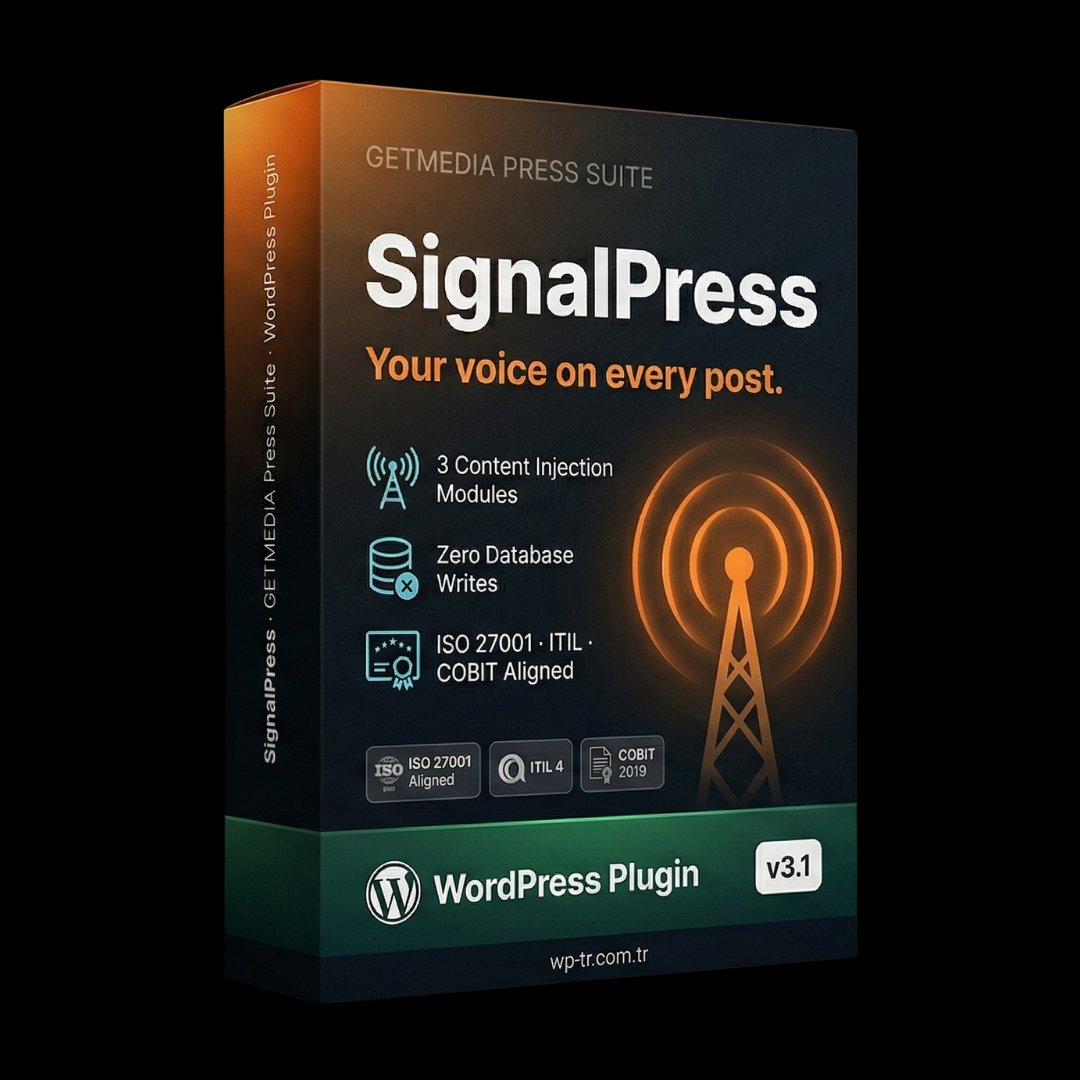
What does it solve?
Adding signatures, CTAs, or footer notes to every post is tedious. Plugins that modify the database create lock-in and make migrations dangerous.
How SignalPress works
SignalPress injects signatures, CTAs, and footer notes via the the_content filter at runtime. Your post content in the database stays untouched. Disable the plugin and your posts are clean again.
The Problem of Adding a Signature to Every Post
You write hundreds of posts. Each one needs to end with the same signature, the same disclaimer, the same call-to-action. Editing one by one wastes hours. Plugins that modify the database create lock-in — when you uninstall the plugin, your post content stays scrambled.
SignalPress takes a different approach. It performs zero database writes. Signatures, CTAs, and footer notes are injected at runtime through the the_content filter. Your post content in the database stays untouched. Disable the plugin and your posts are clean again.
Zero Database Writes — Runtime Injection
SignalPress's most critical architectural feature is the runtime injection approach. The signature, CTA, or footer note is appended to post content at the moment it is rendered — never written to the database.
The advantages of this architecture:
- No lock-in: When you uninstall the plugin, your post content is unchanged.
- Clean migration: Database backups stay clean — no plugin-injected text in there.
- Instant updates: When you change the signature, the new signature applies to all posts at once.
- Cache compatible: Cache plugins like WP Rocket, W3 Total Cache, and LiteSpeed Cache work seamlessly.
Three Modular Injection Types
SignalPress provides three independent injection types — you can enable each separately:
- Signature: Per-author signature appended at the end of every post (name, photo, social media links).
- CTA (Call-to-Action): A configurable call-to-action box (newsletter signup, product link, donation button).
- Footer note: A small note placed below all posts (copyright notice, license info, disclaimer).
Per-Category CTA
SignalPress lets you configure different CTAs for different categories. In the "Tutorials" category you can show a "subscribe to my course" CTA — in the "Reviews" category you can show an "affiliate links" disclosure. Cross-category targeting from a single panel.
FeedControl Integration: RSS-Aware Behavior
When SignalPress and FeedControl are used together, intelligent behavior emerges in your RSS feed. SignalPress's signature and CTA can be controlled separately for the RSS context: you can show full content in HTML for the RSS feed, while different content in the on-site flow.
This integration is critical for RSS scrapers. While the on-site reader sees the rich CTA, the RSS scraper bot sees only attribution text. The signature footer in your RSS feed is the natural shield against content theft.
Performance: ~10ms Injection Overhead
SignalPress's the_content filter overhead is approximately 10ms, including all three injection types. This is well under the typical noise margin of WordPress page load times. Cache plugins compute this overhead once at first render and serve a fully cached page on subsequent requests.
Compliance Notes
- ISO 27001:2022 — A.5.34: Privacy and protection of PII. Author signatures use authorized data.
- ISO 27001:2022 — A.5.32: Intellectual property rights. Copyright footer notes support this control.
- ITIL v4 — Service Continuity Management: Plugin uninstallation causes no data corruption.
- COBIT 2019 — DSS06: Business process control management.
Technical scope
- Zero database writes — pure runtime injection
- Three modular injectors: signature, CTA, footer note
- Per-category CTA configuration
- Per-author signature with social links
- Cache plugin compatible (WP Rocket, W3TC, LiteSpeed)
- FeedControl integration — RSS-aware injection
- ~10ms total render overhead with all modules active
International standards
SignalPress is built to three international frameworks.
Frequently Asked Questions
How does the one-time payment work?
You pay $39 once and the plugin is yours forever. All updates included. No annual subscription, no hidden fees, no auto-renewal.
Which WordPress versions does it support?
WordPress 5.8 and above, PHP 7.4 and above. Optimized for PHP 8.0+.
Is there English support?
Yes. Contact satis@wp-tr.com.tr for English and Turkish support. P1 critical issues receive a 4-hour response commitment.