What does it solve?
Recreating the same page structure from scratch wastes time and invites errors. Most cloning plugins leave orphaned database records when something goes wrong.
How Clonify works
Clonify performs cloning as an atomic operation: post insert, meta copy, taxonomy copy. If any step fails, the entire operation rolls back via wp_delete_post(). No partial state, ever.
Repeating Structures Waste Time
If you're maintaining a content site, you constantly recreate the same page structure: similar product pages, recurring report templates, repeating event posts. Creating from scratch each time wastes time and invites errors. Most cloning plugins on the market work in fragments — when there's an error, half-cloned posts and orphan database records litter your system.
Clonify takes a different approach. It treats cloning as a single atomic operation. If any step fails, the entire operation rolls back — no partial state, ever.
Atomic Operation Architecture
Clonify performs cloning in three stages:
- Post insert: A new post record is created via
wp_insert_post(). - Meta copy: All meta fields of the source post are copied to the new post.
- Taxonomy copy: Categories, tags, and custom taxonomies are linked.
If any stage fails, Clonify performs a full wp_delete_post() rollback. The new post and all of its records are completely removed — your database is left in a clean state.
This atomic architecture is rare even in the WordPress ecosystem. Most cloning plugins won't roll back on error — they leave you to clean up the mess yourself.
Safe-Draft Protocol
Clonify always saves the cloned post as draft. Even if the source post is published, the new clone goes into draft state. This protocol prevents two errors:
- Accidentally publishing a duplicate post — duplicate content in search engines.
- Going public without finalizing the customizations.
You make your edits, switch the status to "Published" — the new post goes live. Cloning and publishing are deliberately separated steps.
Full Metadata Copy
Clonify copies all metadata of the source post:
- Featured image (with all sizes auto-regenerated).
- All custom fields (ACF, Pods, Toolset compatible).
- All taxonomy assignments — categories, tags, custom taxonomies.
- Yoast/Rank Math/AIOSEO meta data — including focus keyword and meta description.
- Page builder content — Elementor, Divi, Beaver Builder, Bricks compatible.
- WooCommerce product data — if your post is a product.
Compatible With All Custom Post Types
Clonify isn't limited to standard posts and pages — all custom post types are supported. WooCommerce products, LearnDash courses, Easy Digital Downloads products, custom CPTs — anything cloneable. The "Clone" link is automatically added to the action bar of every post type.
Bulk Clone
You can clone a single post or bulk-clone with the Bulk Actions menu. Select 10 posts, click "Bulk Clone" — Clonify clones each one as an atomic operation. Errors are reported individually — failed clones do not corrupt successful ones.
Performance: ~200–400ms per Clone
A typical Clonify clone takes 200–400ms. Heavy posts (featured image regeneration, large meta dataset) can extend to 800ms. Even bulk operations don't risk server timeouts thanks to the early-return architecture — each clone is an independent transaction.
PostSeal Integration: Clone + Publish Pipeline
You created a draft chain by cloning hundreds of similar pages with Clonify. Edited each one. Now you want to publish them all in one shot — that's PostSeal's job. Clone with Clonify, publish with PostSeal. Cross-plugin pipeline gives you full automation.
Compliance Notes
- ISO 27001:2022 — A.5.34: Privacy. Metadata cloning protects original ownership.
- ISO 27001:2022 — A.8.15: Logging. All clone operations are recorded in the audit log.
- ITIL v4 — Change Management: Atomic operations comply with change procedure.
- COBIT 2019 — BAI06: Change management. Rollback architecture supports this control.
Technical scope
- One-click page and post cloning
- Atomic operation — full rollback on error
- Safe-draft protocol — every clone starts as draft
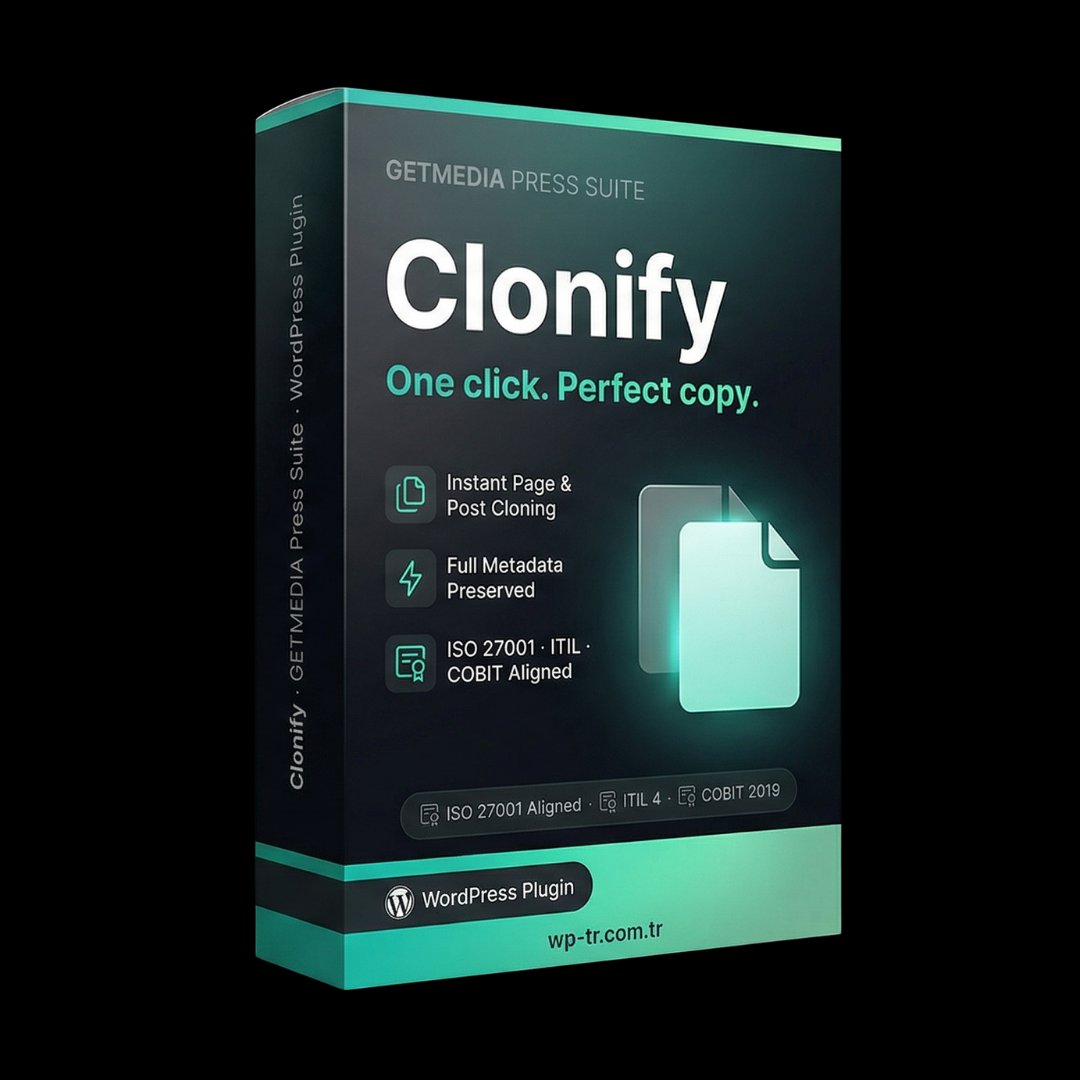
- All metadata, custom fields, taxonomies copied
- Compatible with all custom post types
- Bulk clone via Bulk Actions menu
- ~200-400ms per clone, no server timeout risk
International standards
Clonify is built to three international frameworks.
Frequently Asked Questions
How does the one-time payment work?
You pay $20 once and the plugin is yours forever. All updates included. No annual subscription, no hidden fees, no auto-renewal.
Which WordPress versions does it support?
WordPress 5.8 and above, PHP 7.4 and above. Optimized for PHP 8.0+.
Is there English support?
Yes. Contact satis@wp-tr.com.tr for English and Turkish support. P1 critical issues receive a 4-hour response commitment.